It came to my mind one day while I was troubleshooting D-Bus related issues that it might be interesting to use DTrace for the task. For the uninitiated, D-Bus is a message bus system used in many desktop environments such as GNOME and KDE for inter-process communication. What I really wanted is to trace incoming and outgoing messages. Ideally, the way to proceed would be to add static probes inside the D-Bus code.
Relatively quietly a new product developed in partnership between the Wikimedia Foundation and PediaPress was launched recently. This service enables users to order in print a collection of Wikipedia articles in the form of a printed book with part of the proceedings going to the Wikimedia Foundation. I had to chance to get hold of some of those printed books and I simply cannot omit blogging about this awesome and innovative addition to the Wikipedia and open-source community.
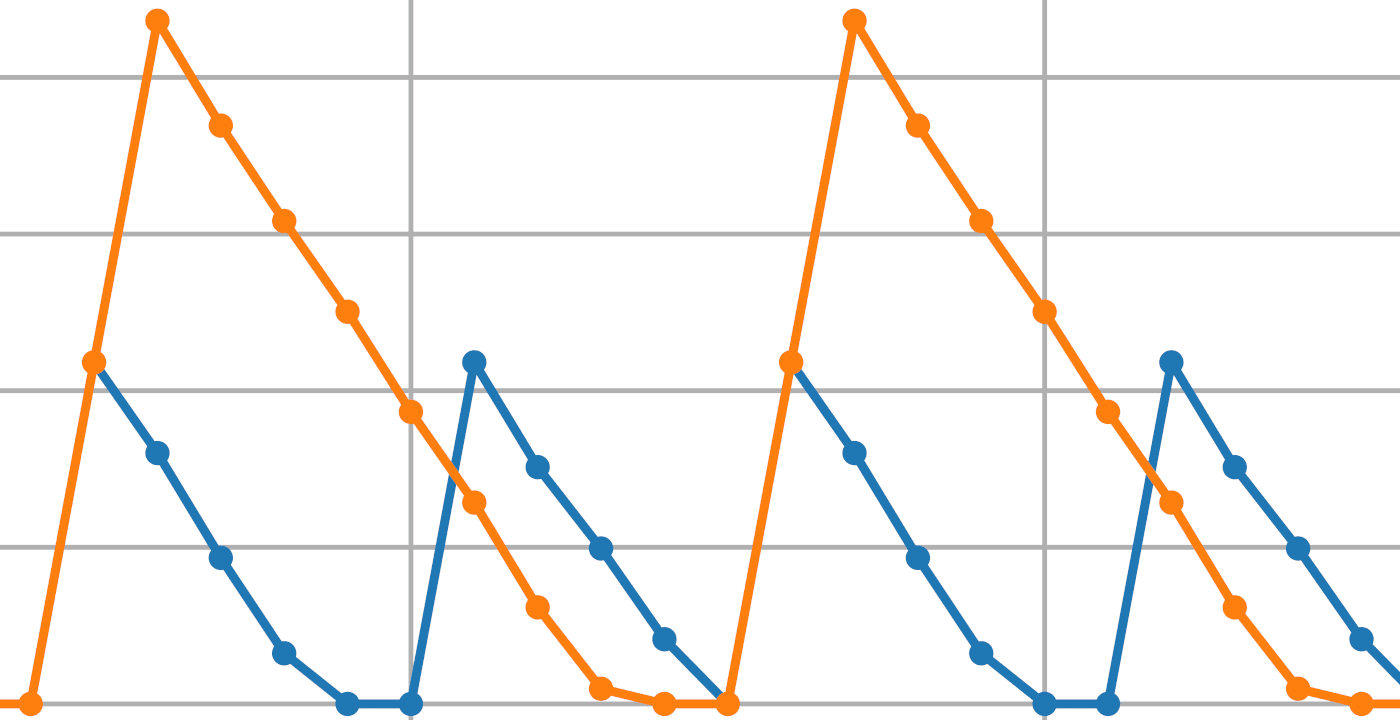
I recently dug out some old half finished work about using DTrace to study numerical algorithms complexity and thought that it would make a nice post. Although the technique of tracing function calls to identify an algorithm complexity class empirically is not new, I've never seen it done using DTrace. In this entry I show how, by using DTrace, to analyze algorithms written using MPFR (or GMP). I also included an example application for a simple well-known algorithm acting as a proof of concept. After all, a blog post about numerical computing without some graphs would be a shame.
I was surprised by the amount of people who asked for the code used to render the fractal in the screen shot of a previous blog entry. Since I used an external function written in C to generate the fractal the code needs a bit of explanation in order to get it working. As such, I've decided to post this entry for everyone who asked for the source (All right, all right all three of them). At the same time this is an excellent demonstration of how easy and powerful Scilab external routines can be.
I would like to invite everyone to read this great forum post by Dennis Clarke the CEO of Blastwave.org on the OpenSolaris mailing list.
Message by Dennis Clarke about the status of the primary mirror and the future of Blastwave.org
From all the open source softwares in existence I do not think that any single one gathers as much “How to build X on Y” articles than GCC. When considering some of the intricacies of Solaris it's not surprising to see that Solaris gets his fair share of those articles. I however came to the conclusion that one more was needed, for a few reasons that I would like to explain before moving on. First, nearly all of the blogs and articles I read on the subject were very good, but they are not aimed at beginners.
The Scilab Consortium recently launched Scilab 5.2. Scilab is a numerical computing platform available for free under the CeCILL license. This release brings many features and enhancements making it even more powerful than ever before. The full list of change is available from the scilab website as well as the release notes.
OpenSolaris is my primary desktop operating system since the first official release 2008.05. Since then I get a lot of funny, horrified or sarcastic comments about my choice of OS. Those comments or naive questions can generally be resumed by one of the following sentences :
Plenty of information is available for setting up an AMP stack on different flavours of Linux and even MS Windows. Some good quality guides are also available from Sun for setting up the Sun AMP stack on Solaris and OpenSolaris. This blog entry, presents a simple step-by-step guide on how to install and setup a high performance AMP stack from Blastwave.org.
Quite a while ago I tried installing Solaris 9 in VirtualBox 2.1.4, which sadly failed miserably. A quick look at the bug database shown that there was some known issues with Solaris 9 and that at that time it was impossible to make it work under VirtualBox. A bit sad since virtual machines are a great way to test and develop for many legacy operating systems at the same time. But things have changed! A recent comment on the bug report in question asked if Solaris 9 was working with VBox 3.0.6.